
Introduction
In recent years, Google Maps has proven to be a goldmine for B2B lead generation. With the right tools, you can easily scrape an unlimited number of high-quality leads—just like a pro. By effectively using a Google Maps scraper, you can quickly gather local leads for any business category and location you target. In this article, I’ll guide you through both paid and free methods, along with proven strategies to extract valuable data from Google Maps and generate a consistent stream of local business leads in just minutes—without any hassle.
Google Maps is more than just a mapping service; it provides comprehensive, accurate, and valuable information about local businesses across various geographic regions. Google maps scraping can take your lead generation business to the next level.
Benefits of Using Google Maps as a Lead Generation Source
- Effective Marketing Tool
Google Maps is not just a navigation tool—it’s a powerful platform to promote your business and generate high-quality B2B leads. - Easy Access to Business Information
Find key business details like contact numbers, emails, websites, and locations for virtually any local business. - Target Your Niche Market
Easily search for businesses by industry and location, enabling you to focus your efforts on the ideal market for your services. - Efficient Lead Generation
Google Maps offers a quick and effective way to gather valuable business data and prospect new clients.
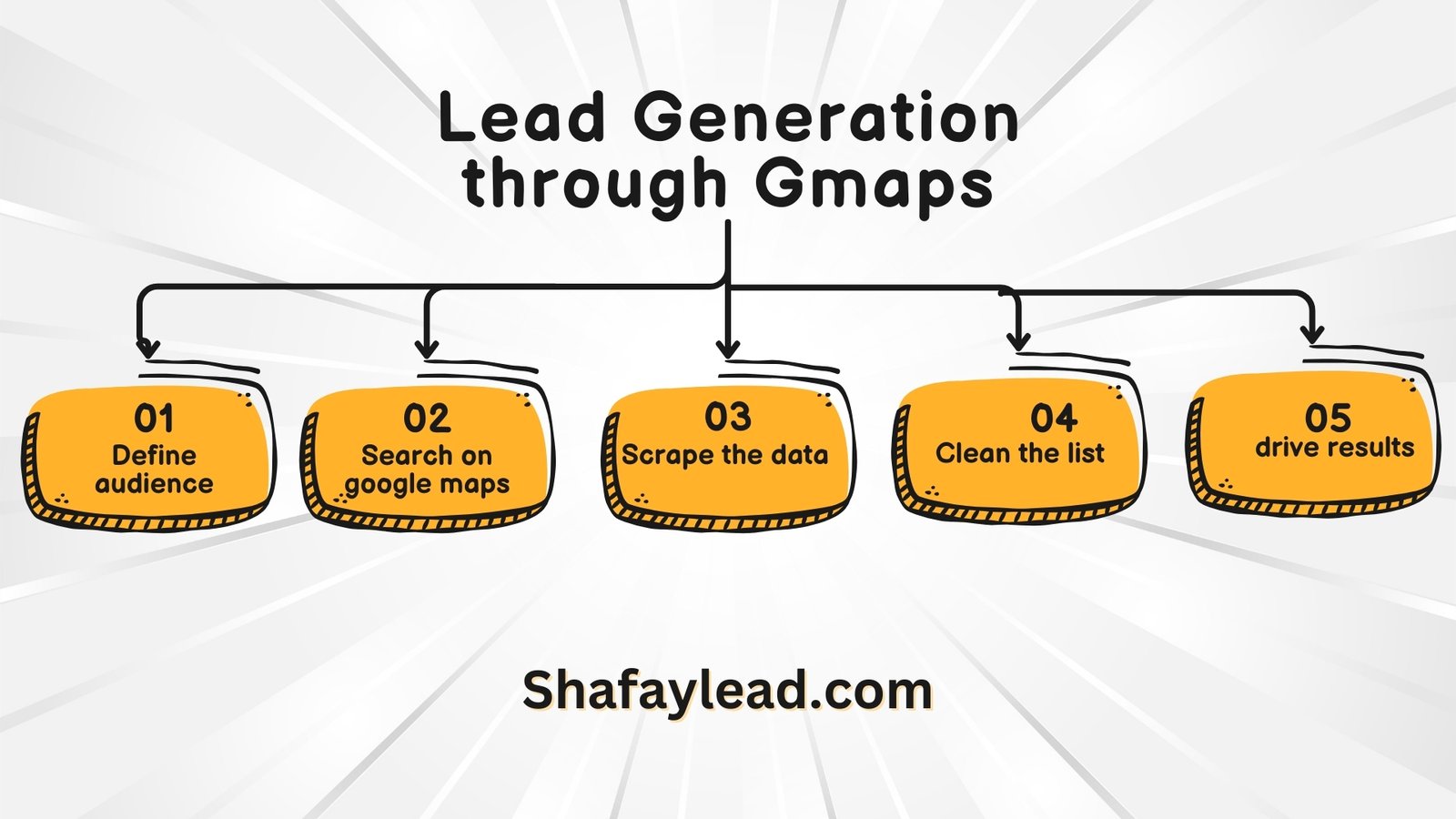
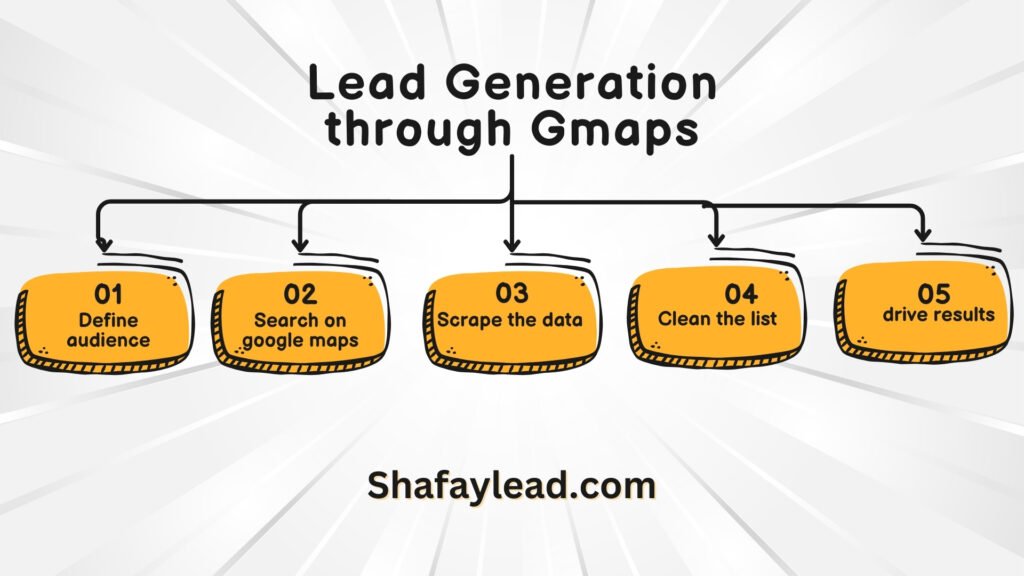
Easy Steps to Generate Leads from Google Maps
Let’s walk through the steps to start generating valuable business leads from Google Maps:
- Define Your Target Business Categories and Location
First, identify the market you want to target, like “dentists in New York” or “plumbing services in California.” - Search on Google Maps
Open Google Maps in your browser and search for businesses that match your target category and location. You’ll receive a list of businesses that fit your criteria. - Scrape Business Data
Use the right tools (either free or paid) to scrape business information from the search results on Google Maps. - Clean and Verify Emails
After scraping, use email validation tools like Reoon Email Verifier to clean your email list and ensure data accuracy. - Send Proposals and Secure Clients
Once your lead list is refined, reach out to potential clients by sending proposals and start building relationships.
Detailed Steps for Generating Leads from Google Maps
Step 1: Find Your Target Audience
Start by identifying the niche you want to serve and the location you want to target. For example, if you’re an SEO expert, you might search for “SEO companies in the UK” or “web design firms in California.”
Step 2: Search on Google Maps
Open Google Maps in your browser and enter your target keywords, like “SEO companies in London” or “Construction companies in Ireland.” A list of businesses that match your search criteria will appear.
Step 3: Scrape Business Data
You can scrape data from these results using various tools. Popular options include Google Maps extensions like “GMap Extractor,” “ScrapeBox,” or “Instant Data Scraper.” Alternatively, you can use Python scripts or even hire services from platforms like Fiverr for bulk data scraping. These tools will gather data such as business names, phone numbers, emails, websites, reviews, ratings, and more, exporting the information into an Excel file.
Step 4: Clean the Scraped Data
After collecting the data, it’s crucial to clean the list. Use email verification tools like Reoon Email Verifier to remove invalid emails from your list. Additionally, you can filter out businesses with poor ratings or few reviews to ensure you’re targeting quality leads.
Step 5: Outreach Strategies
Personalization is key when reaching out to potential clients. Whether you use cold calls, email campaigns, or LinkedIn outreach, ensure your approach is tailored to each business. Develop a script to pitch your services and demonstrate how your offerings can help them grow.
Tips for Unlimited B2B Lead Generation
- Focus on Local SEO: Improve your visibility on Google Maps to attract more relevant leads.
- Monitor Google Trends: Stay updated on popular search terms within your industry for more effective targeting.
- Use Effective Keywords: Refine your searches with strong keywords to target the right businesses efficiently.
Conclusion
By using Google Maps strategically, you can unlock unlimited opportunities for B2B lead generation. With the right tools, refined search techniques, and personalized outreach strategies, you’ll be able to connect with the right businesses faster than ever.
FAQs
- What is Google Maps lead generation?
Searching desired business category on google maps and getting their usefull information to reach them to offer your services or products. - How can we generate leads from Google Maps?
By using the right tools to scrape business information from Google Maps, cleaning the data, and then reaching out to potential clients with personalized outreach strategies. - Is Google Maps helpful for lead generation?
Absolutely! Google Maps has taken many
One Response
This work has an almost meditative quality to it. Each sentence feels carefully considered, yet they flow so naturally that it feels effortless. The insights you’ve shared seem to carry the weight of experience, and there’s a gentleness to the way you present them, as though you are offering the reader a piece of wisdom that you’ve carefully cultivated over time.